


API keys
The public JSON API, its limits, and API keys for higher limits.
On this page
The JSON API answers questions about the catalogue: search packages, a package with its versions and checksums, repository statistics and status. It is public; an API key raises its limit.
| Request | Answer |
|---|---|
GET /api/packages?q=…&type=plugin |
packages matching a search, paginated |
GET /api/packages/{vendor}/{slug} |
one package with its versions, sizes, SHA-256 and requirements |
GET /api/stats |
totals of packages, versions, installs and downloads |
GET /api/status |
the current repository build |
The documentation describes the fields.
Limits
Without a key: 60 requests a minute per IP address. With a key: 600 requests a minute per key. Answers are cached for five minutes.
Create a key
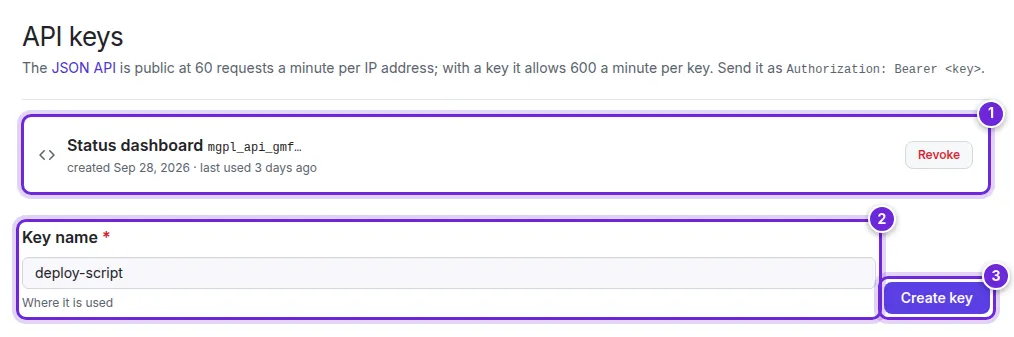
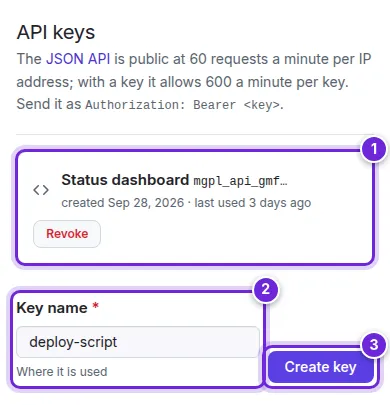
- Open Settings → API keys. Your keys (1) are listed with when they were created and last used.
- Enter a Key name (2) that says where it is used.
- Select Create key (3).
Copy it now
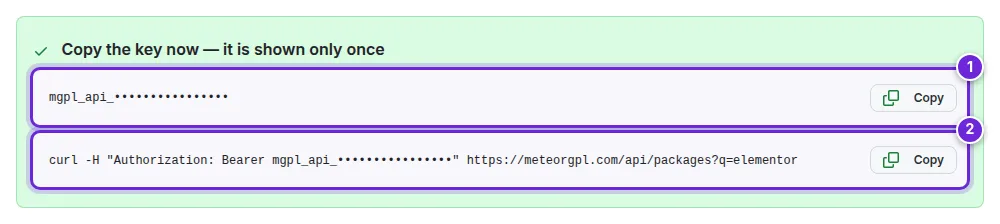
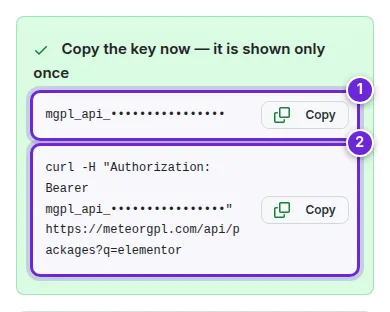
The key (1) is shown once, with an example request (2). Send it in the Authorization header:
curl -H "Authorization: Bearer <key>" https://meteorgpl.com/api/packages?q=elementor
Revoke stops a key at once. An API key gives no access to the Composer repository; Composer uses Composer tokens.
Did this not answer your question? Contact support.